
Run the office, the field and the money from one place.
Contractor Controller gives your office a full management app and your crews a phone app, on one login and one set of data. Jobs, time, tools, trucks, safety, billing and books, all talking to each other.
See it running Copperline Electric, our made-up demo contractor. No sign-up needed.
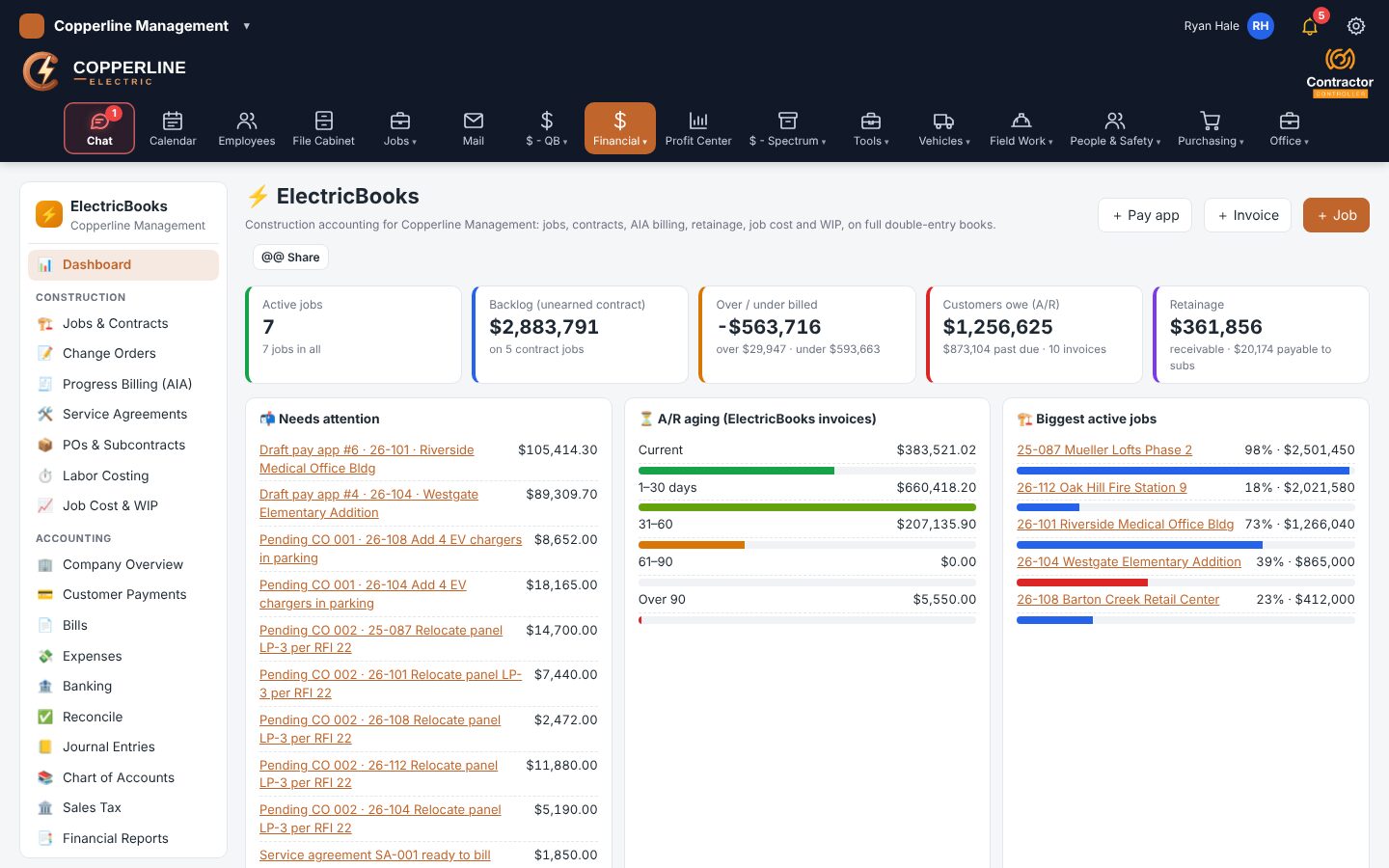
Your company runs on spreadsheets, group texts and a QuickBooks report nobody can click.
Every tool, truck and badge tracked
Know who has what, which job it is on, when it is due back, and whose badge or tag is about to expire.
Time and tickets from the job site
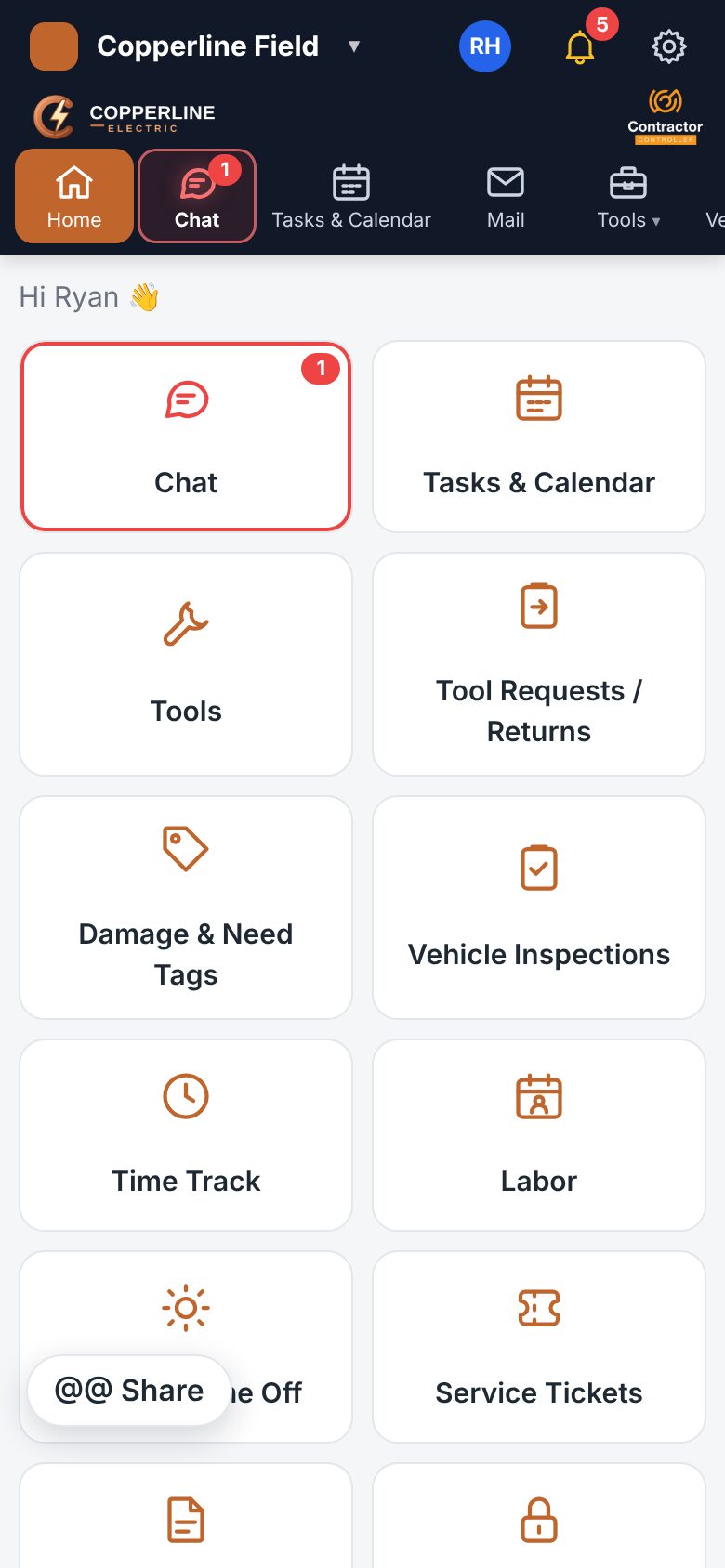
Crews log hours, service tickets, job tickets and inspections on their phones. The office sees them the moment they are saved.
Money you can click into
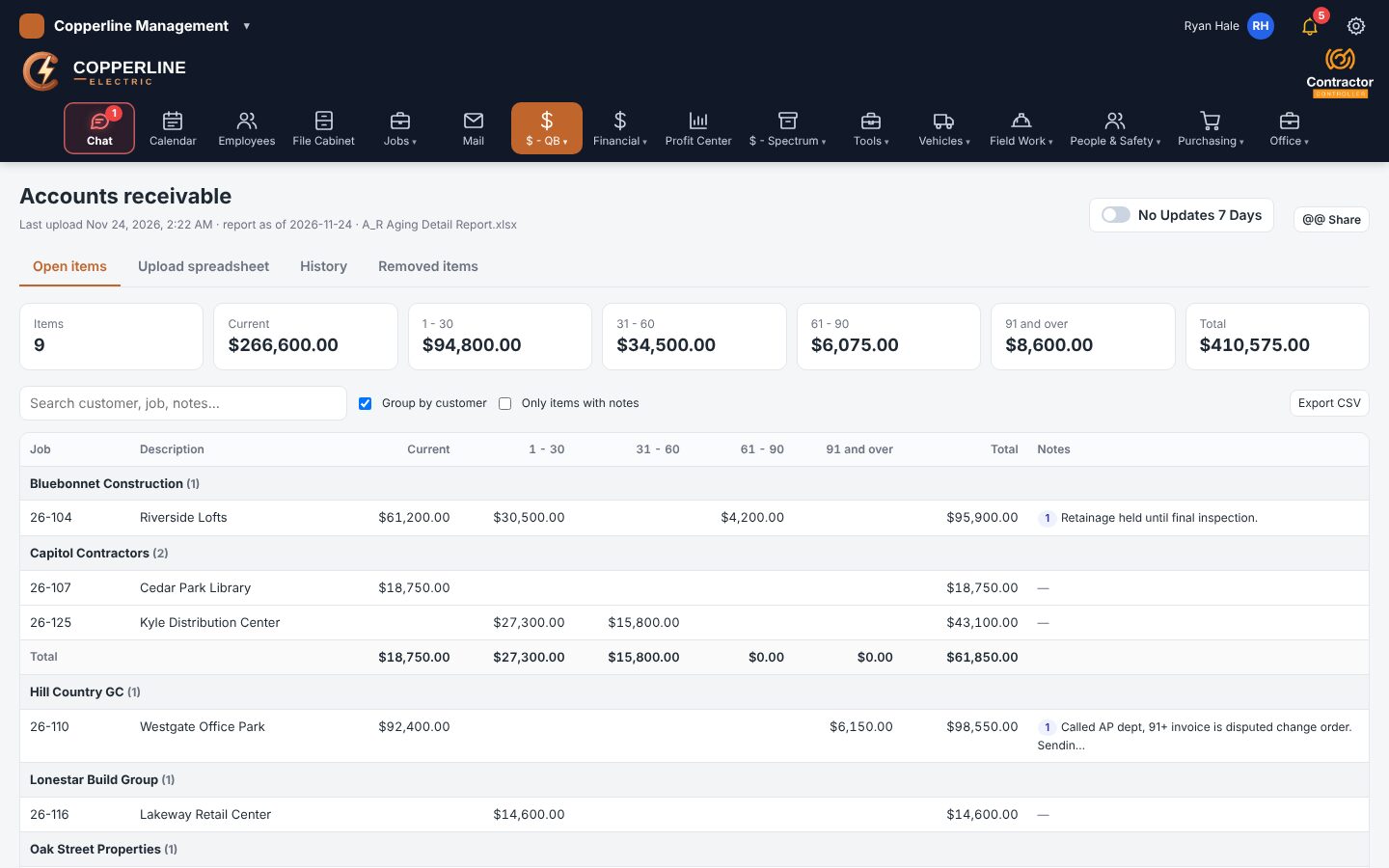
Upload the weekly QuickBooks A/R and A/P reports and drill into every invoice and bill. Job cost, WIP and AIA billing are built in.
The office gets the desk. The crew gets the phone.
Both sides share the same data and the same logins. You decide, per person, what each side shows.
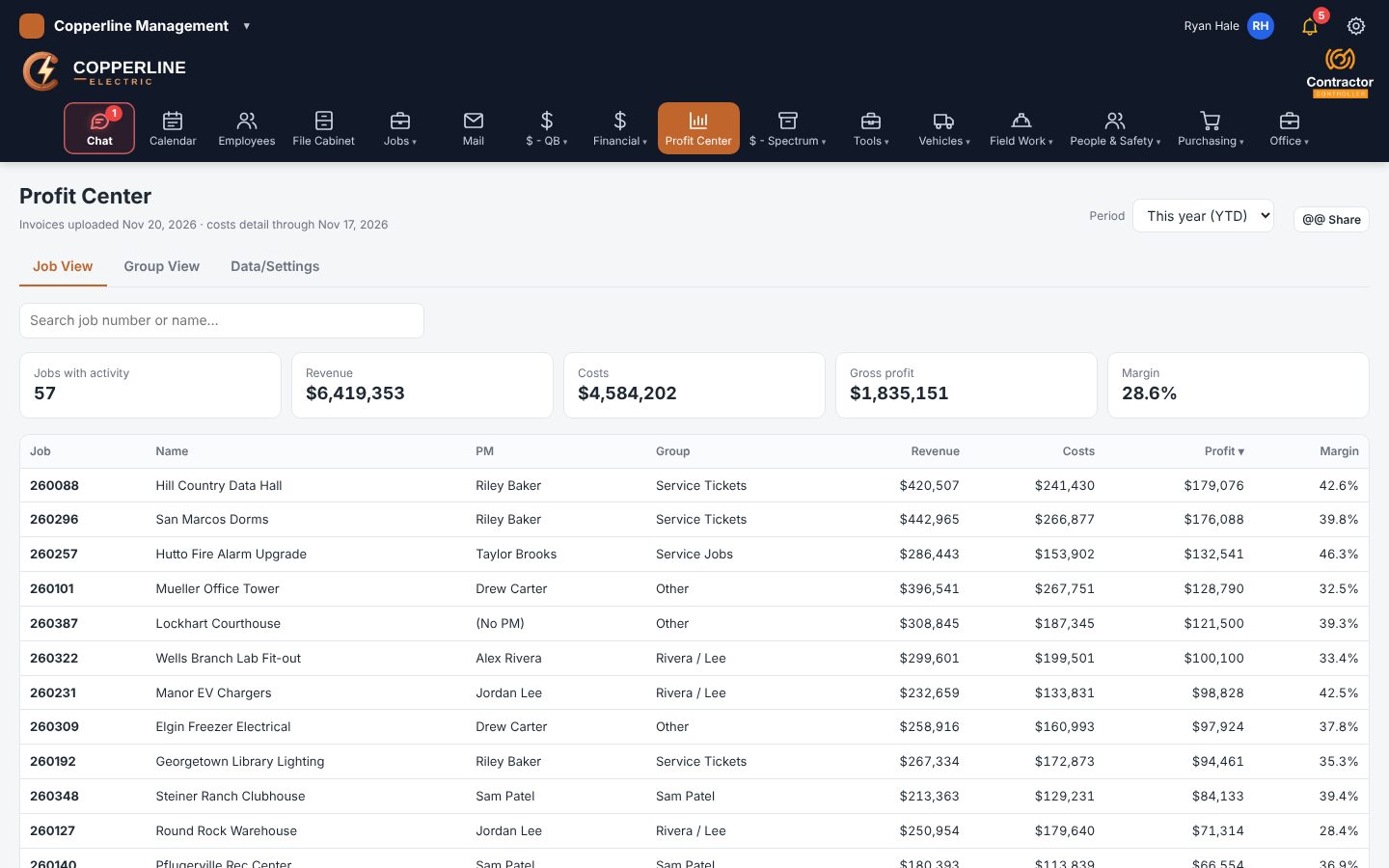
17 modules for the office
For owners, PMs, office managers and accounting.
- Jobs & job numbers
- A/R and A/P from QuickBooks
- Job cost, WIP, AIA billing
- Profit Center
- Tools & vehicles
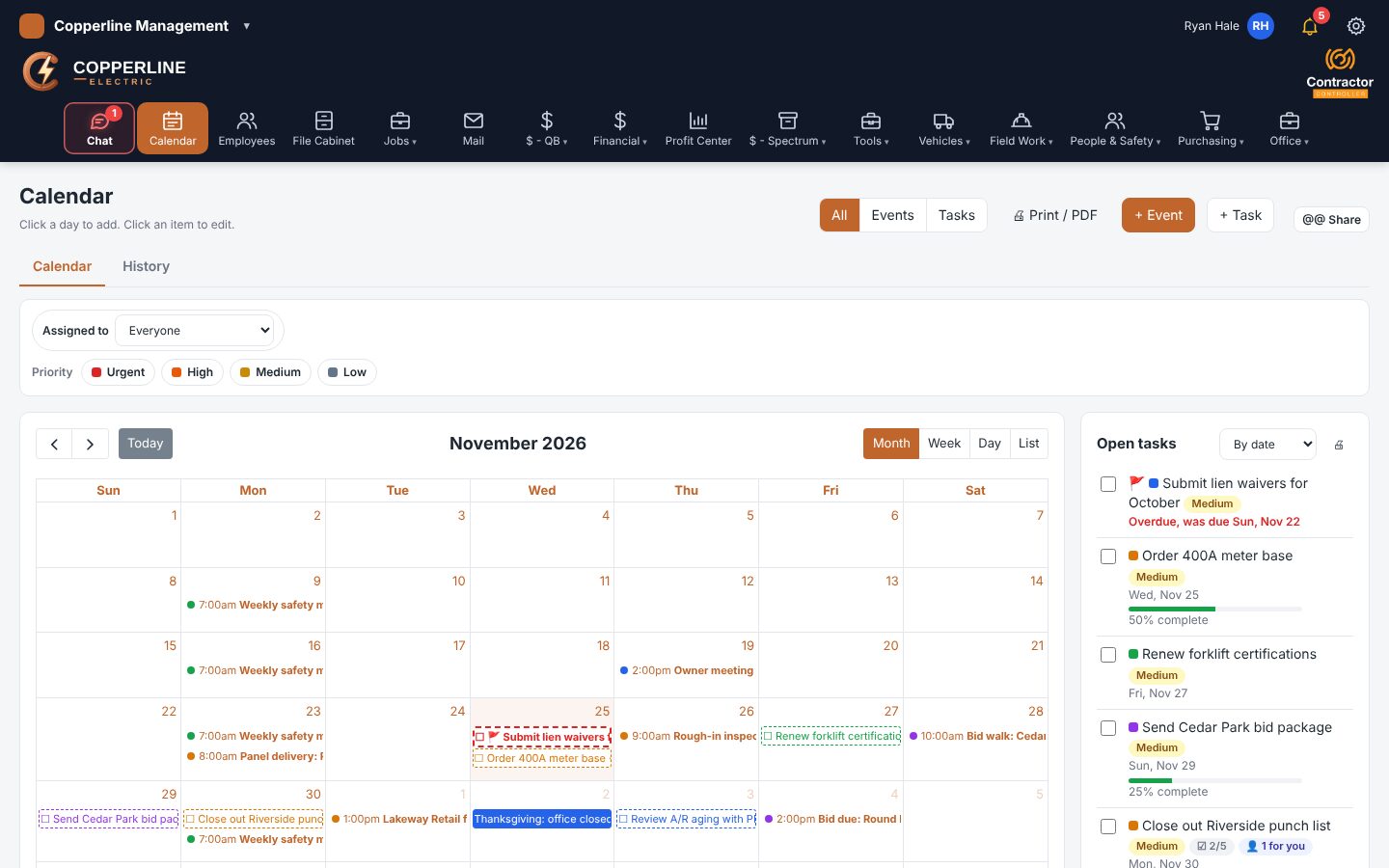
- Scheduling & safety
- SOPs & roles
- User rights & alerts
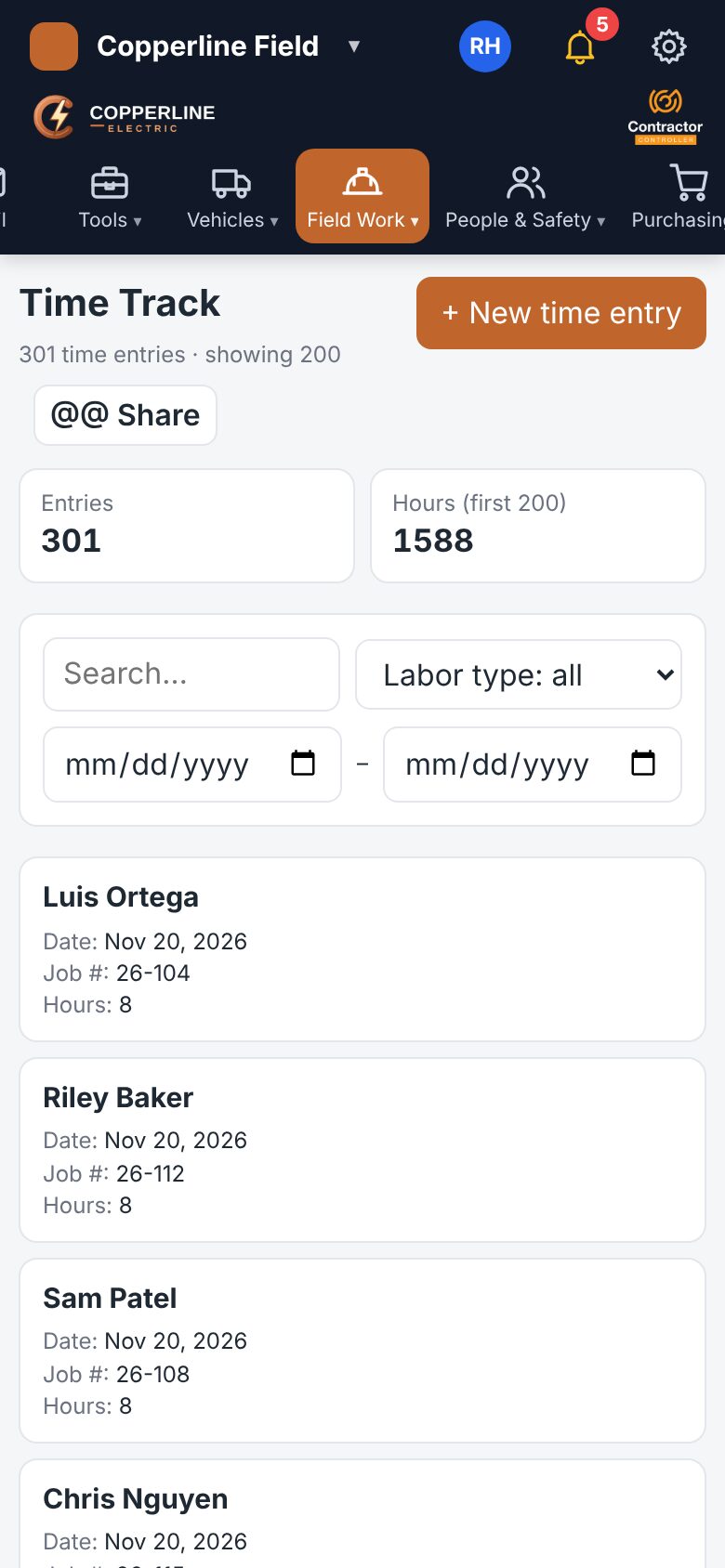
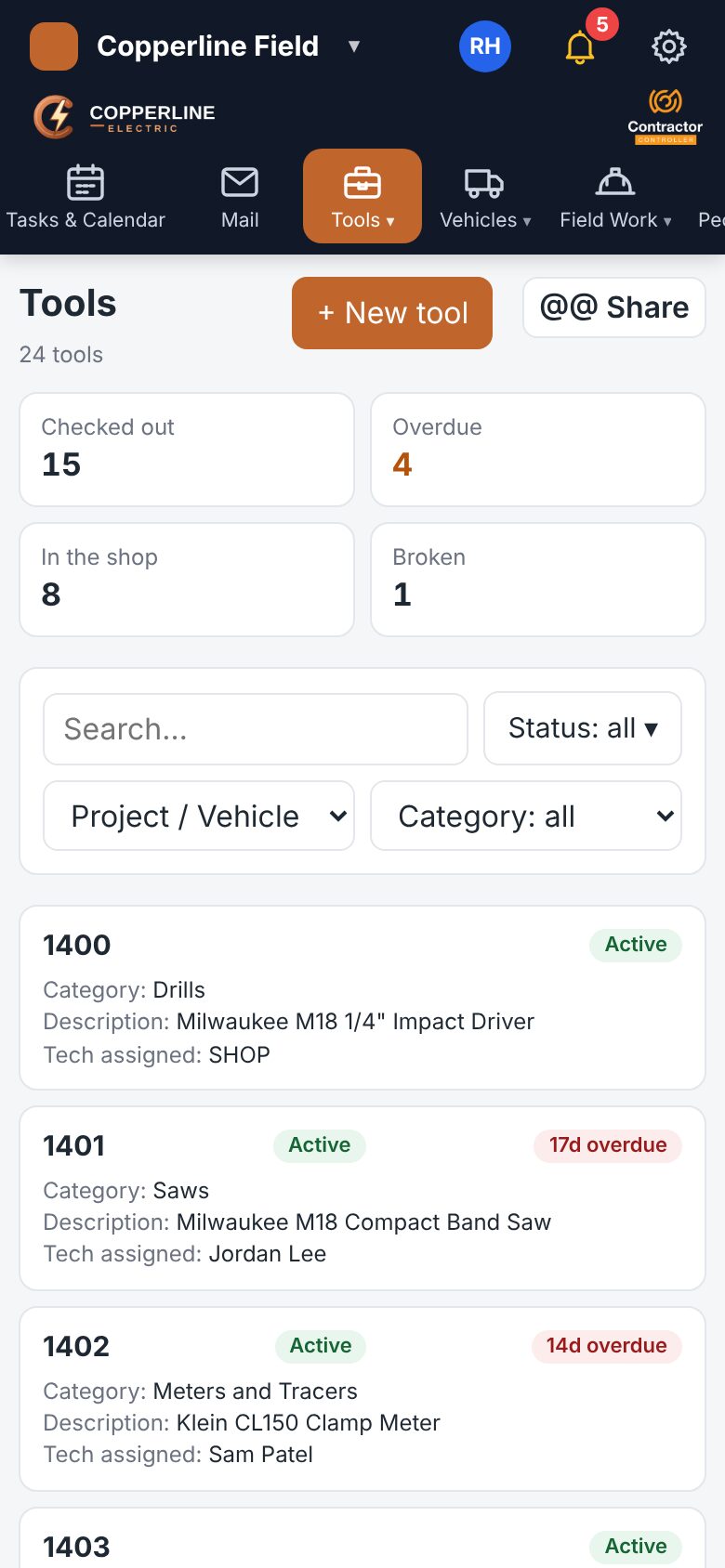
11 screens built for the job site
For foremen, electricians and apprentices, on any phone.
- Time by job
- Service & job tickets
- Tool requests & returns
- Truck inspections
- Lockout/tagout
- Accident reports
- Training & SOP sign-off
- Chat & alerts
Click any module to watch it work.
Short, captioned walkthroughs recorded in the real app with Copperline's sample data. No voice-over, so they work with the sound off.
 Meet the demo company
A whole electrical contractor, ready to click around.
Copperline Electric is a made-up commercial electrical contractor we built to show Contractor Controller doing real work: dozens of active jobs, a crew in the field, trucks, tools, invoices, bills and a full set of books.
Every person, job, customer and dollar at Copperline is made up.
Up and running in days, not months.
Set up your company
We create your Management and Field sites, your menu and your logins. Usernames work, so crew members do not need an email address.
Bring your lists
Load jobs, employees, tools and vehicles from spreadsheets. Hook up your Google Sheet roster and your weekly QuickBooks reports.
Hand the crew a link
The field app opens in any phone browser and can be added to the home screen. No app store, no installs to manage.
Good questions we hear a lot
Do we have to stop using QuickBooks?
No. Keep QuickBooks for your books if you like and upload its weekly A/R and A/P aging reports; Contractor Controller turns them into clickable invoices and bills. If you want construction accounting in one place, the built-in Financial module (ElectricBooks) covers jobs, AIA billing, job cost, WIP and double-entry books.
Is it only for electricians?
It was built with an electrical contractor, and the sample data is electrical, but jobs, time, tools, trucks, safety and billing work the same for mechanical, plumbing, low-voltage and other specialty trades.
What do crews need on their phones?
Just a web browser. The field app is a website built for phones that can be saved to the home screen like an app.
Can I control what each person sees?
Yes. Rights are set per person and per module, separately for the office and the field side: hidden, view only, or full access. Field users can be limited to their own time, tickets and requests.
Is the demo real?
The demo is the real software, running with a made-up company. Log in, click around, add a record. The sample data is reset now and then.
See it with your own jobs in mind.
Click around the live demo, or book 30 minutes and we will walk you through it.